Authentication flow
Authentication steps
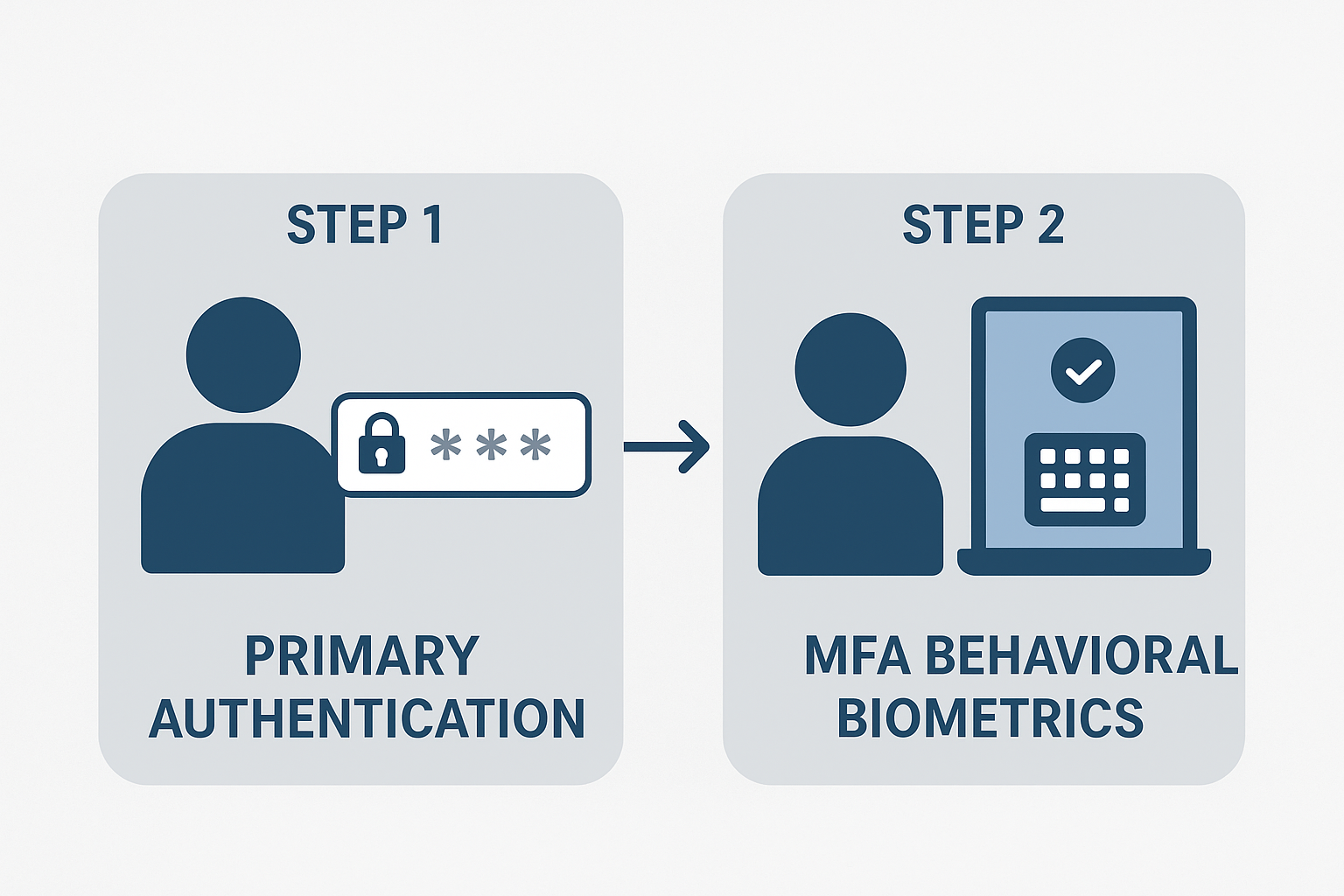
After the activation of neomia Pulse MFA, the authentication process is done in two steps. The first step consist in primary authentication, while the second will consist in a additional factor to reinforce the authentication process.
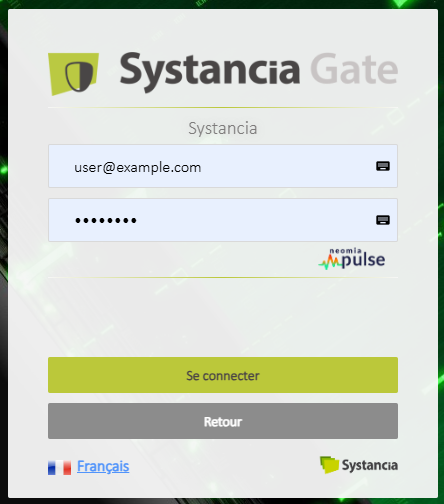
Primary authentication
The first step remains as usual. The user will have to validate the first step of the authentication flow in order to access the second authentication step. In this case, the first step consists of the user email and password. The user will have to validate the first step of the authentication flow in order to access the second authentication factor.
neomia Pulse MFA
The second step, which in this case is configured to use the neomia Pulse MFA, will provide the user with the form to enter a sequence of words.
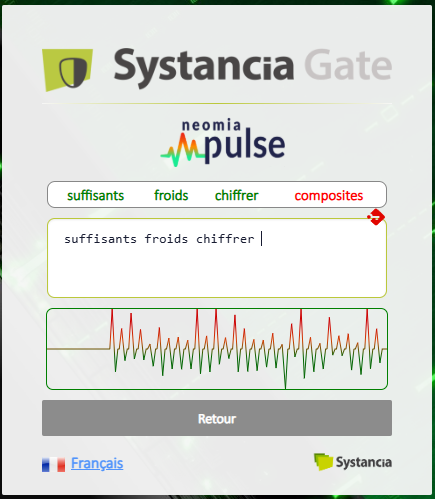
The user must type the sequence of words so that neomia Pulse can analyse your typing behavior. After the successfull completion and typing of the sequence the user is authenticated.
Legitimate recognition fails
It should be noted that in some rare cases, the user might not be recognized at his first attempts. Depending on specific configuration, the application can ask the user to type a different text sequence multiple times. If neomia Pulse fails to recognize a legitimate user after a predefined number of attemts, the user should be able to access his account using an additional secure factor (e.g. PIN, OTP) or by contacting the administrator for a reset of his biometric profile.