Okta Integration
This documentation refers to the Okta integration. It explains how to strengthen your Okta authentication process with neomia Pulse MFA. To do that, Pulse and Okta will be paired by a connector OpenID Connect (factor only).
Pulse OpenID connector
Remarks
The "Authenticator" page is temporally disabled. But le OpenID connector is always enabled.
Before configuring Okta, you must enable the OpenID connector on Pulse Dashboard.
Please, goto the page : Management -> Authenticator, select OpenID connector, and enable OpenID connexion.
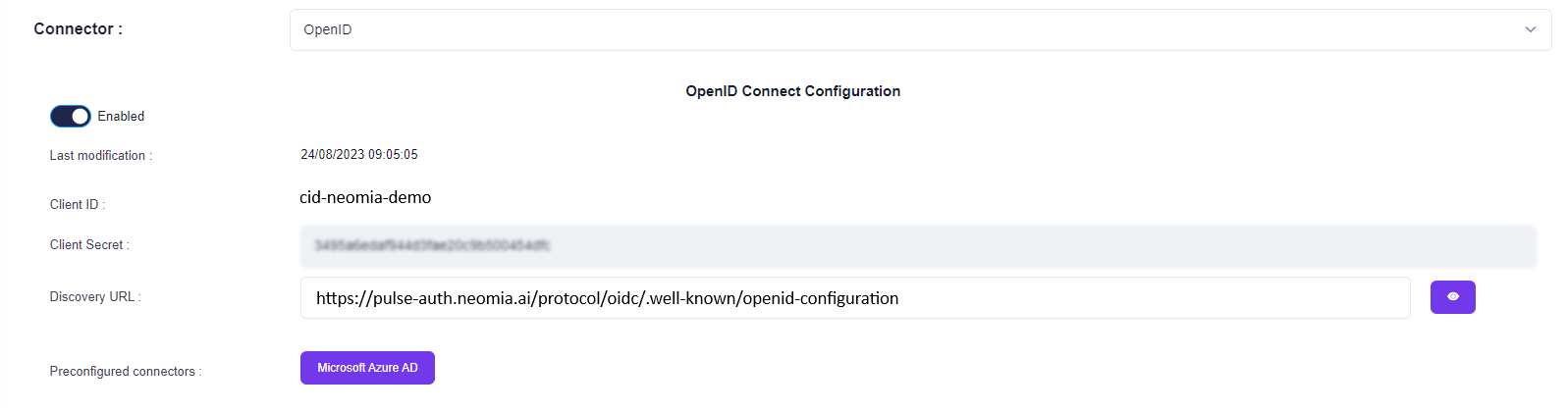
You can see the Endpoints (and more) configuration details at the Discovery URL link here.
Remarks
Please keep the information displayed about the connector. To configure Pulse as MFA in Okta you need the following config : Client ID; Client Secret; Issuer; Authorization URL; Token URL; JWKS URL; User Info URL
Create a Pulse IdP on Okta
Okta Dashboard
Goto Okta admin Page to create your connector.
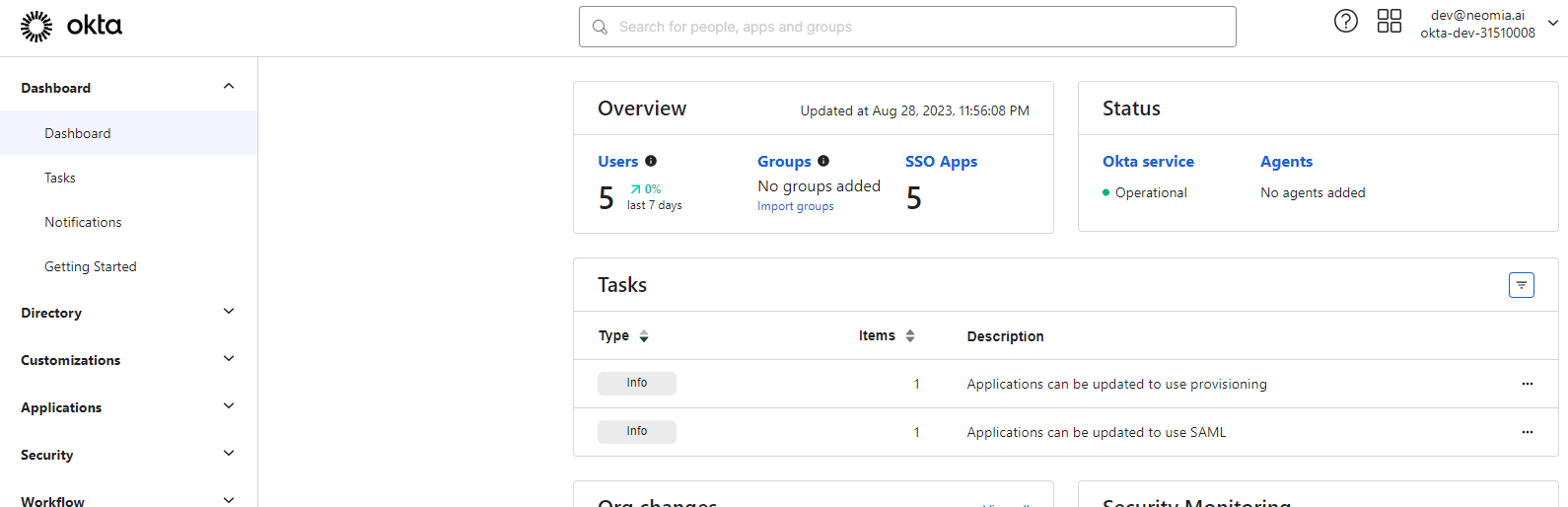
Okta Identity Provider
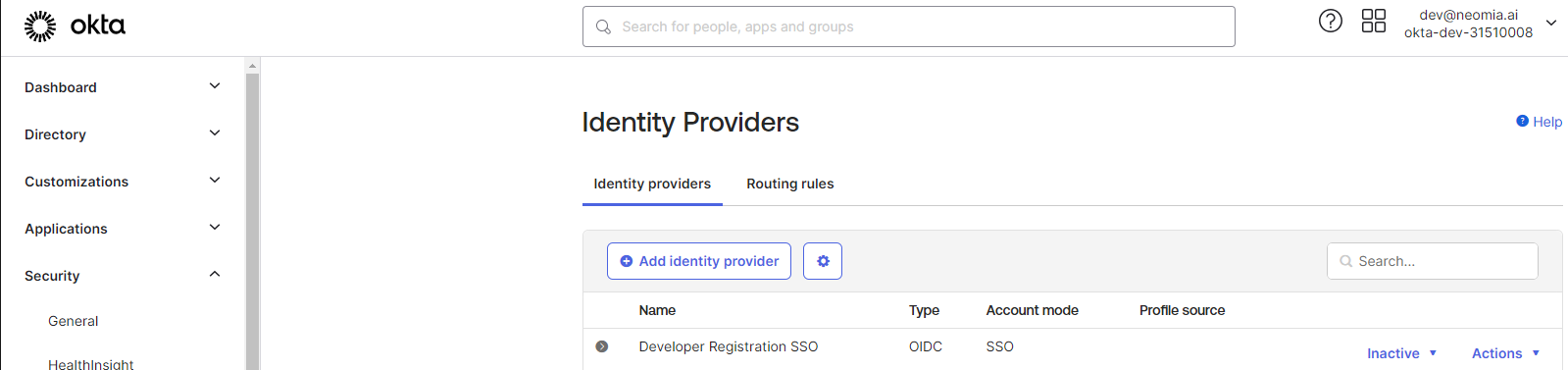
Goto Security -> Identity Providers configuration. And click on Add Identity Provider.
Select OpenID identity provider.
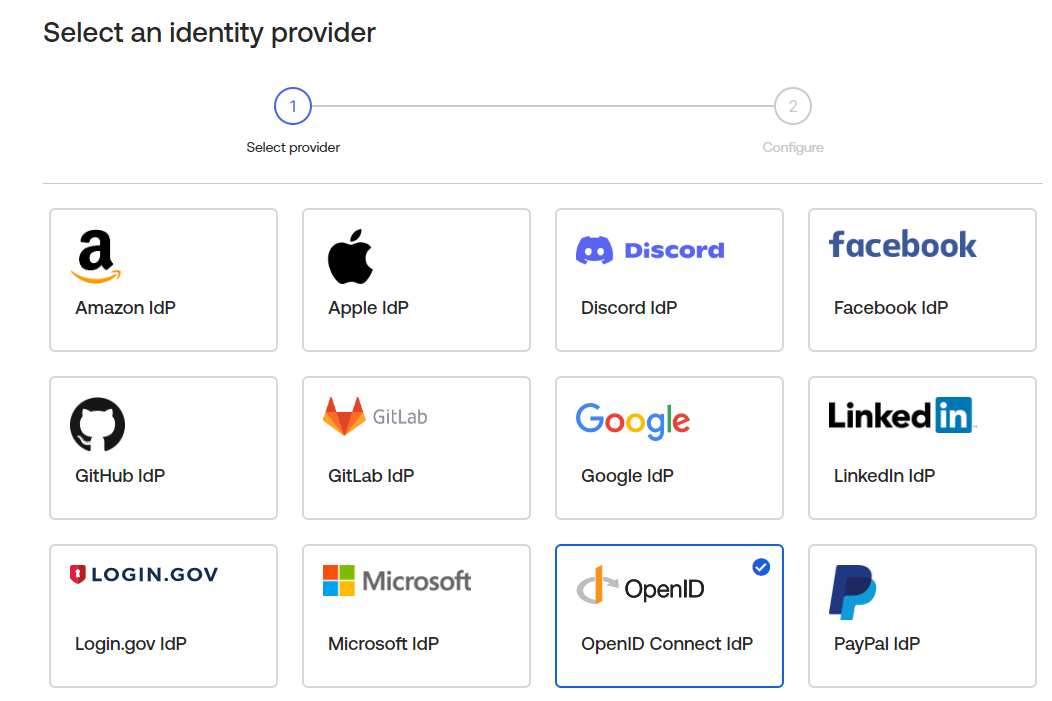
Edit your identity provider.
Idp Usage Config
Attention, your Idp Usage must be configurated as Factor Only. The recommended scope is email.
Please complete the configuration as shown in the example below :
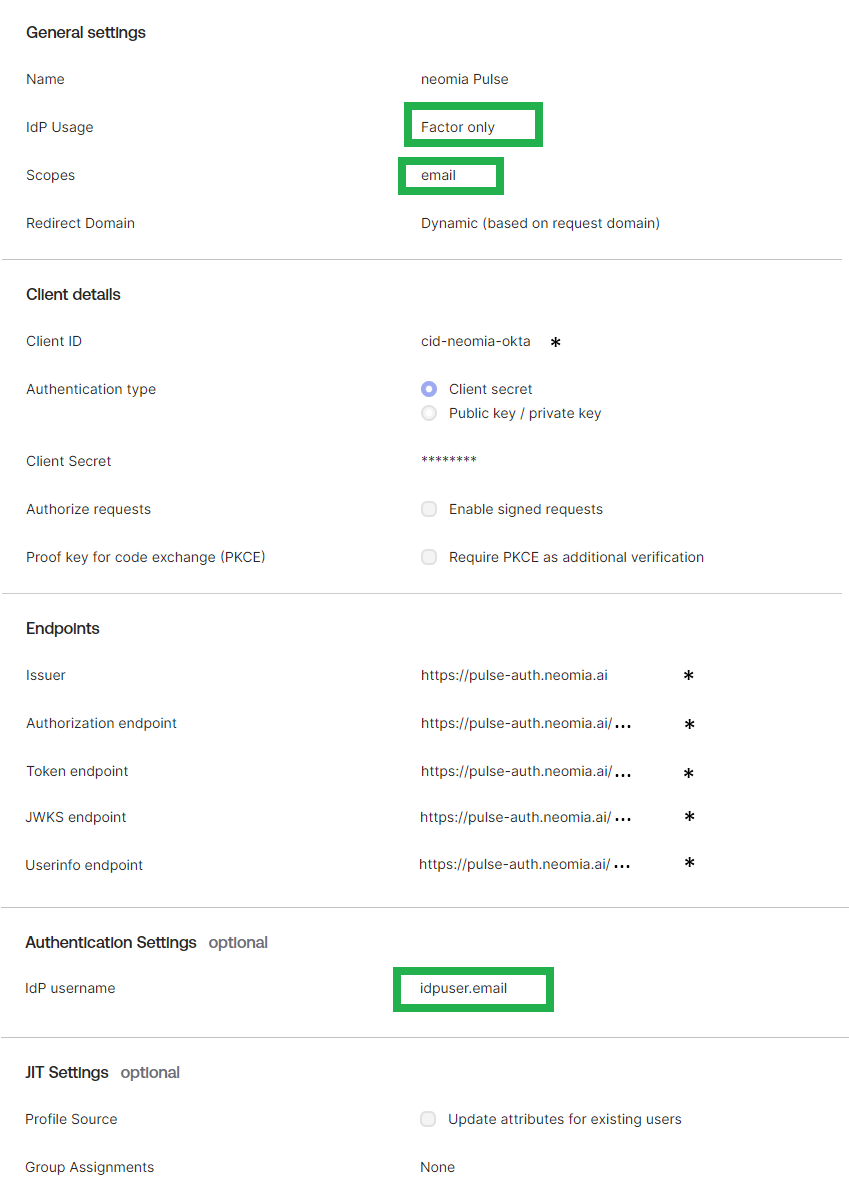
To complete the properties : Client ID, Client Secret, Endpoints, please, use the configuration indicated in the Pulse OpenID connector (as seen above).
Edit your Okta authentication policy
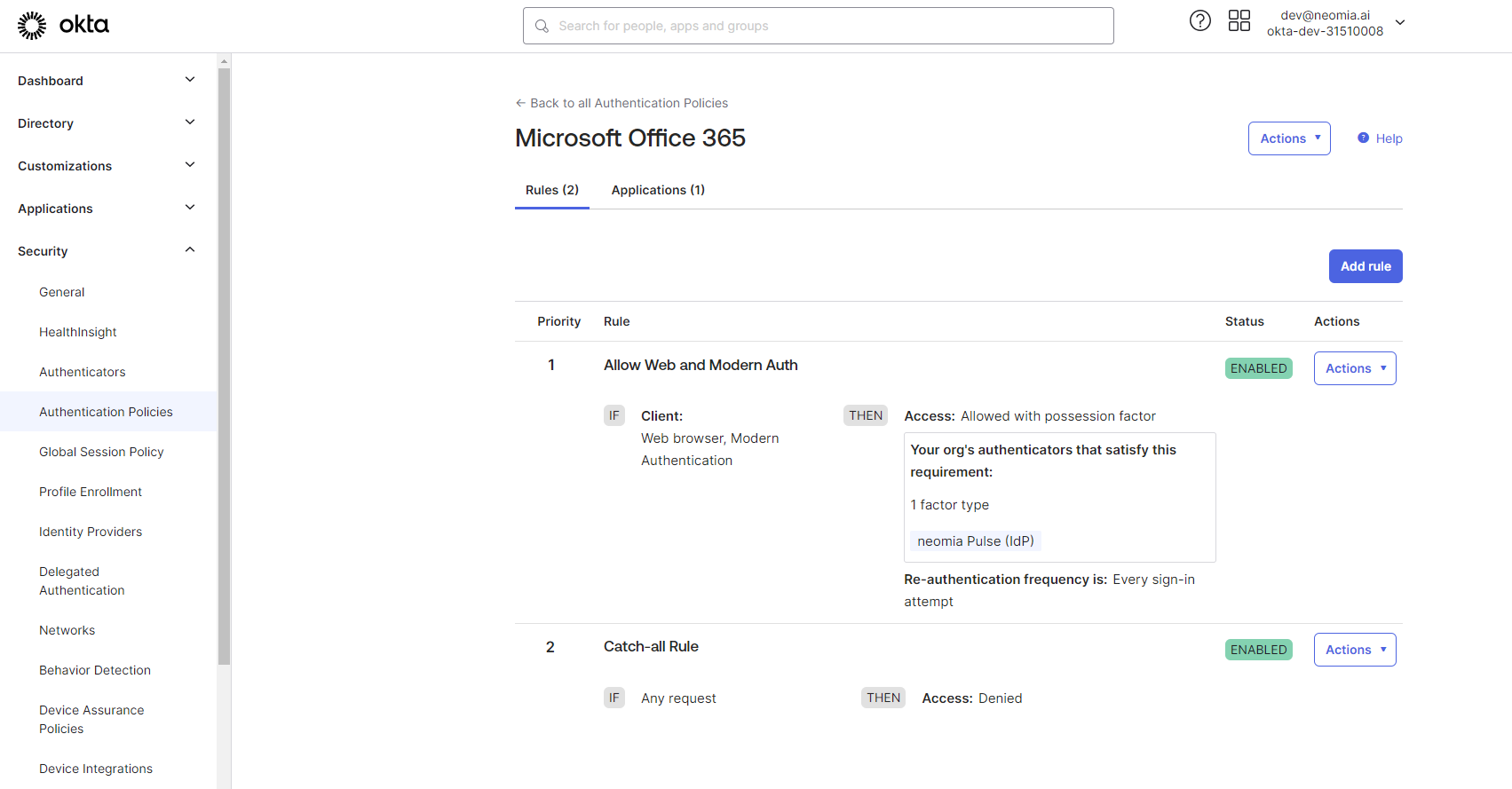
Goto Security -> Authentication Policies, and select your in use policy. Add the previously configured IdP as authentication factor required in your policy.
You can see an example below :