Frequently Asked Questions
Connect to neomia Pulse Dashboard
neomia Pulse Dasboard
https://pulse-dashboard.neomia.ai
Use the username and password provided at the time of your account creation.
Reset or update the biometric profile of a user
Reset the biometric profile of a user
Go to https://pulse-dashboard.neomia.ai/insights/users and select or search for the user in question.
After selecting the desired user, click on the Reset or Update button on his card.
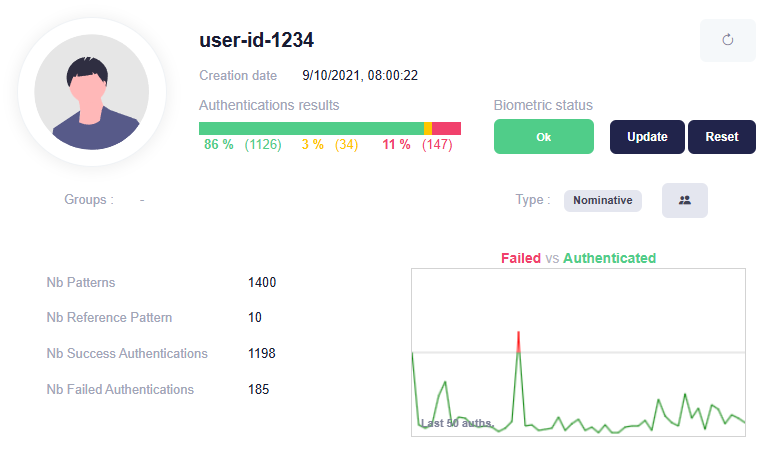
The application will generate a unique link that can be used by the user to enrolle a new set of typing patterns. The link is valid for 15 minutes.
neomia Pulse Links
neomia Pulse Dasboard
neomia Pulse Play
neomia Pulse API
https://api.neomia.ai/pulse
https://api.neomia.ai/pulse/docs - Documentation
neomia Pulse Dasboard API
https://api.neomia.ai/pulse-dashboard
https://api.neomia.ai/pulse-dashboard/docs - Documentation
neomia Pulse Auth API
neomia Pulse Subscriptions API
https://api.neomia.ai/pulse-subscriptions
https://api.neomia.ai/pulse-subscriptions/docs - Documentation